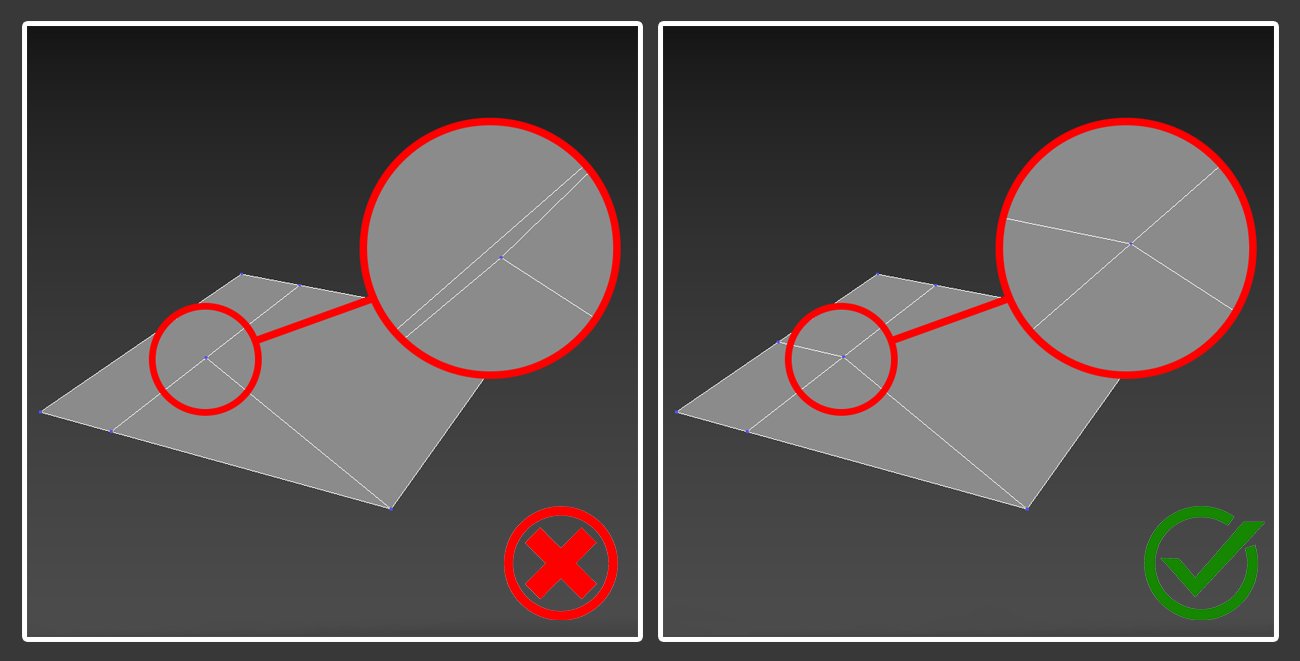
Simplify Geometry
Reduce polygon count without sacrificing detail to improve slicing performance and reduce print time.
No flipped normals
Ensure all normals are pointing outward.
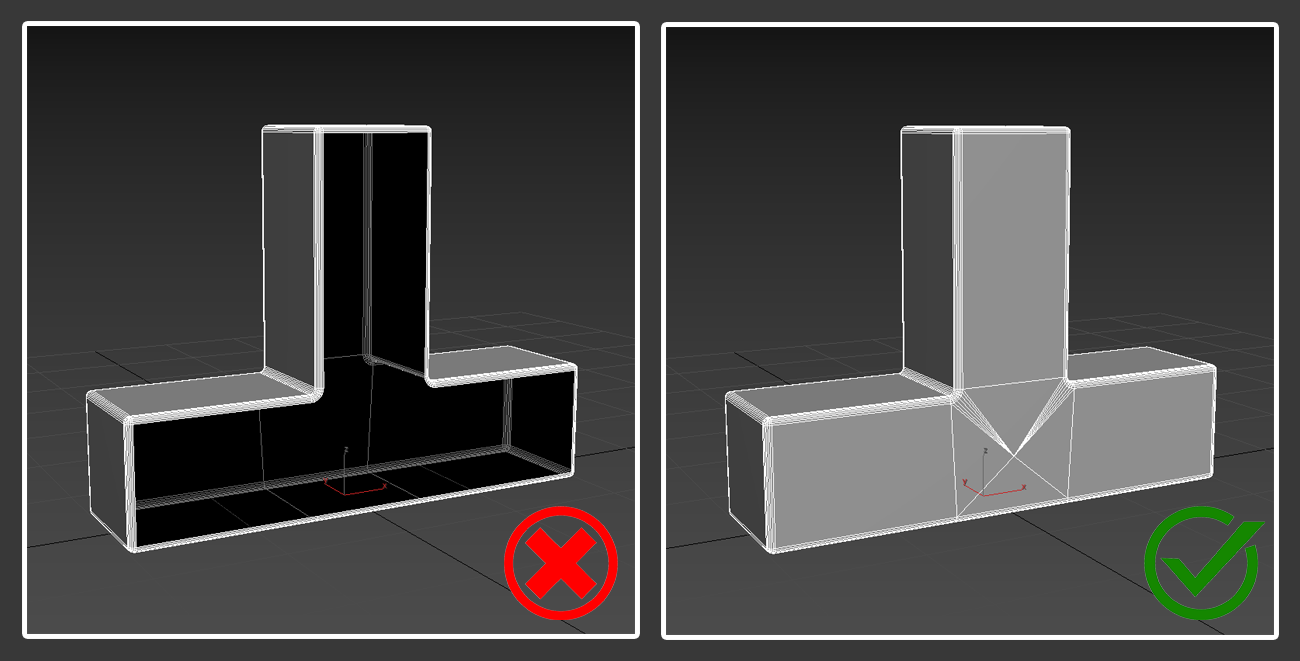
Manifold geometry
Avoid edges or vertices that are connected in an unusual way, such as an edge shared by more than two faces.
- Non-manifold “T-type”
- Internal faces
- Surfaces connected to one vertex
- Loose geometry
- Opposite normals
Watertight Geometry
The model must be a closed (watertight) manifold, meaning no holes or gaps in the mesh.
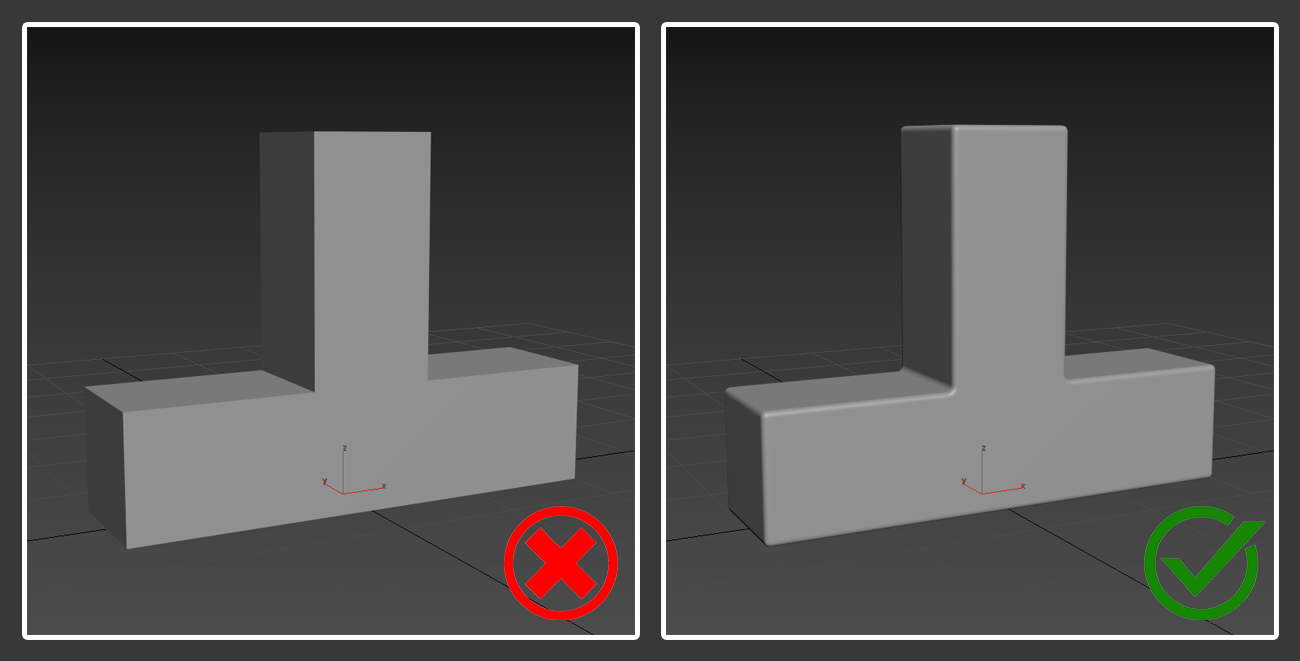
Chamfers and Fillets
Add chamfers or fillets to sharp edges to reduce stress concentration and improve printability.
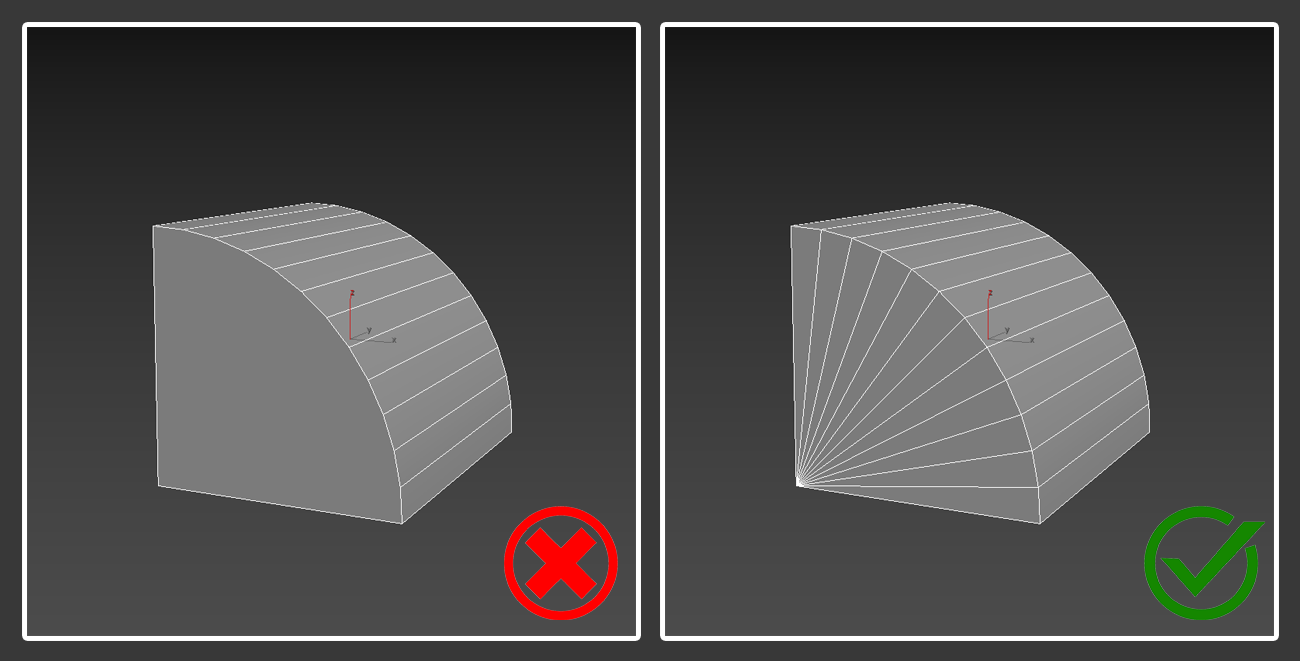
No N-gons
Use only quads and triangles.
Wall Thickness
- Model polygons should have thickness.
Models should not contain excessively thin polygons that may lead to structural weaknesses or printing failures.
Tolerance for Moving Parts
Allow a gap of at least 0.2-0.5 mm between moving or interlocking parts.
Flat Base
Ensure the model has a flat surface or add a "raft" for better bed adhesion if necessary.
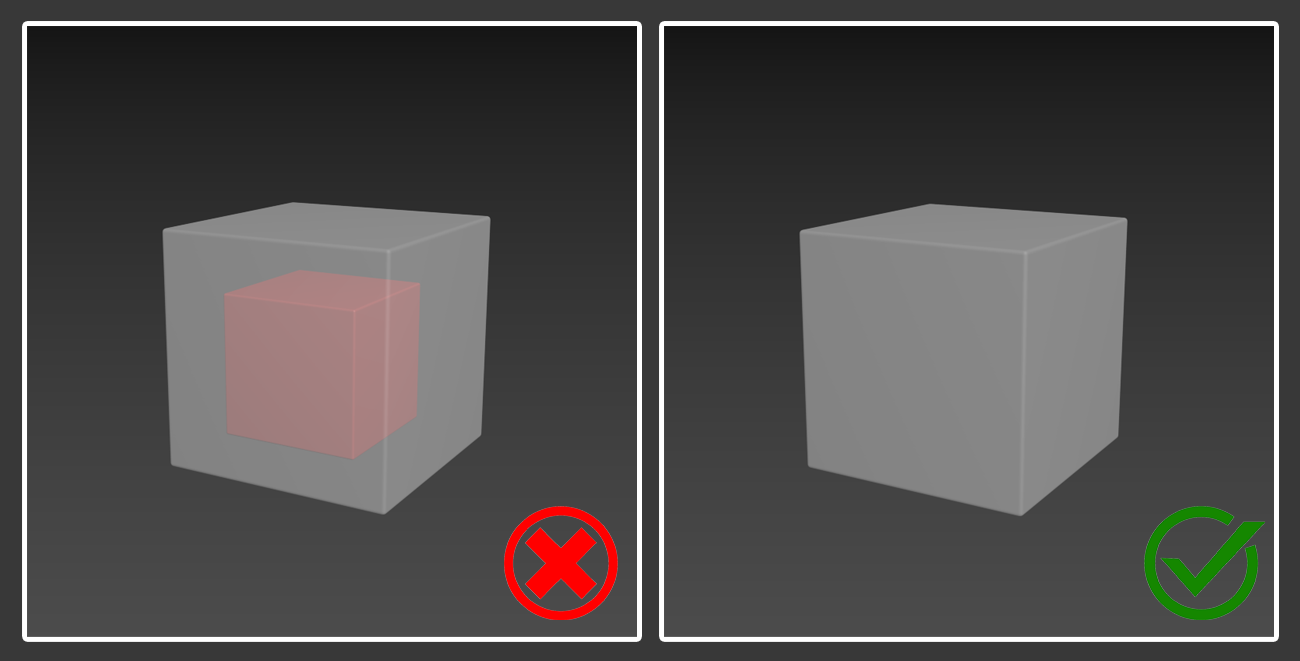
Avoid Intersecting or Overlapping Parts
- All parts of the model should be properly joined into a single mesh.
- No Intersections: Overlapping geometry can confuse slicing software and cause print errors.
- Use boolean union operations to merge intersecting parts into one solid.
Avoid Internal Artifacts
Remove any hidden or internal geometry that will not be visible in the final print.
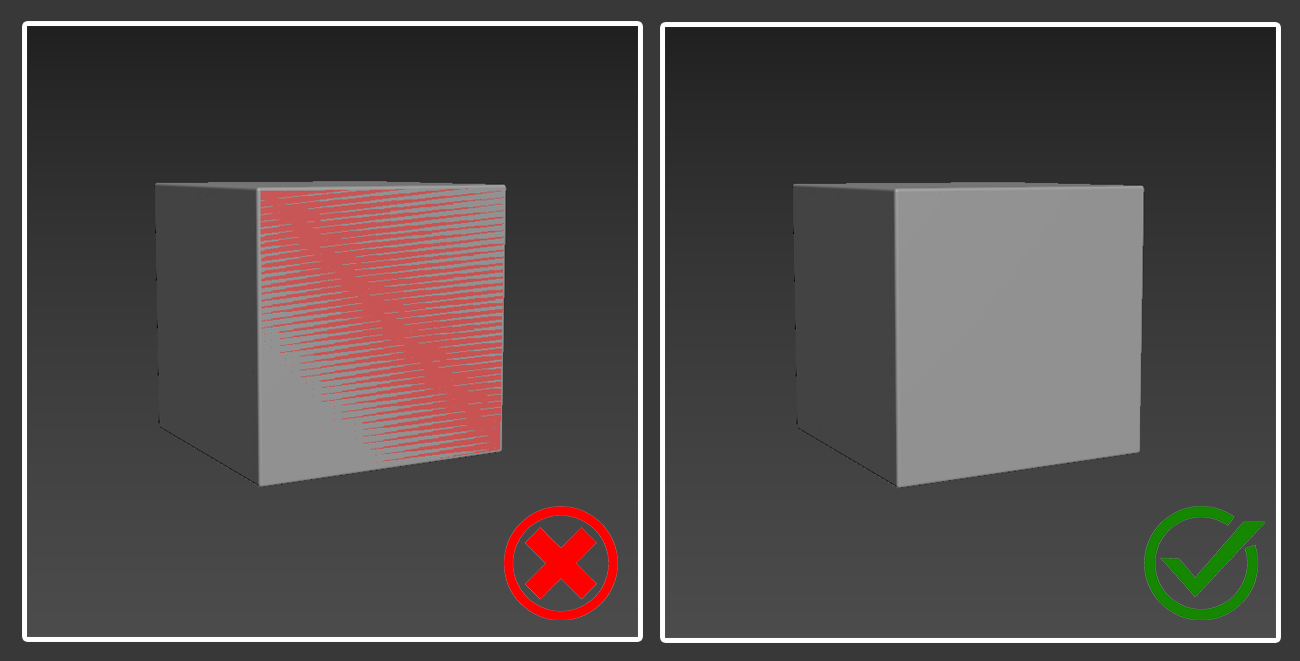
Clean Mesh
Remove duplicate vertices, faces, or overlapping geometry
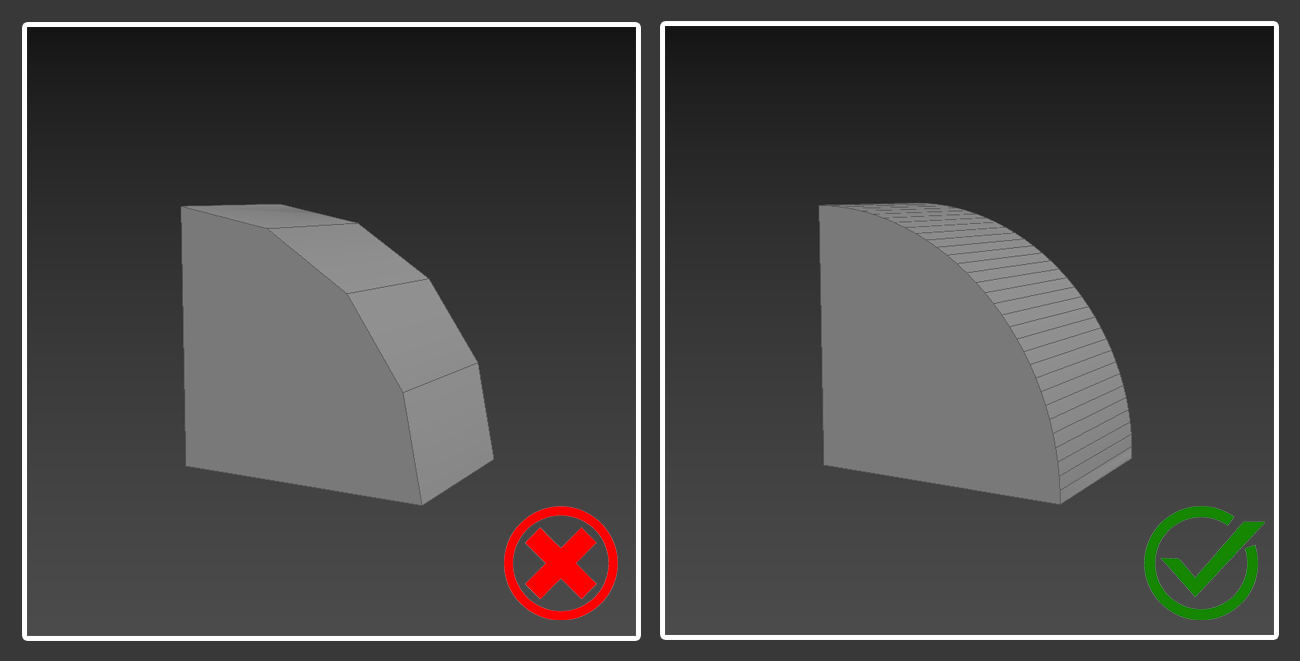
High-Resolution Geometry
Ensure smooth surfaces by using enough polygons to avoid faceting on curves.
No degenerate or zero-area triangles
Avoid degenerate or zero-area triangles, as they can cause errors during slicing.